
Features
Everything Stowjin helps you remember.
Deeper detail for visitors who want every corner of Stowjin — still a home catalog, not warehouse software.
What do I have?
Photos, tags, categories, Spaces and search — a visual catalog of belongings, crafts and tools.
Photo-first catalog
Add an item with a photo, name, tags and the details you actually care about.
Spaces for real life
Keep crafts, workshop, household and other areas separate while still searching across everything.
Find anything fast
Search items, tags, categories and Places from one clean search experience.

Where is it?
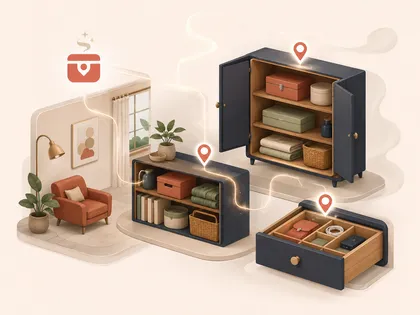
Places, nested locations, QR labels and Scan & Stow, so you can find things at home.
Know exactly where it is
Model rooms, shelves, cabinets, boxes and drawers as Places, then find the exact location later.
Scan & Stow
Put QR labels on boxes, drawers and shelves. Scan one to open that Place or add items there immediately.
What is happening with it?
Lending, quantities and Running Low — track borrowed items and low stock at home.
Remember who borrowed it
See what is lent out, who has it, when it left and the lending history when it comes back.
Know how much is left
Track amounts for paper, screws, batteries and other consumables, with Running Low and Out states.

What needs attention?
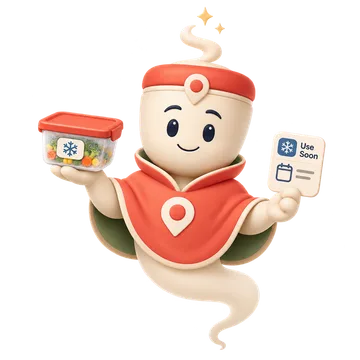
Use Soon, due dates and low-stock alerts for freezer food and consumables.
Use Soon
Track freezer contents, portions and dates so food does not disappear into the back of a drawer.
Stowjin tracks dates you enter; it does not determine food safety.
Your catalog, your storage
Use Stowjin locally, or keep the same catalog on multiple devices through a storage location you choose.
Made for the screens you use.
Phone · Tablet · Desktop